The coach keeps the record. Players and parents see their part.
Two apps that work together: Courtline Coach for the coach, Courtline Player for players and parents.
Place 1 is still open in every region
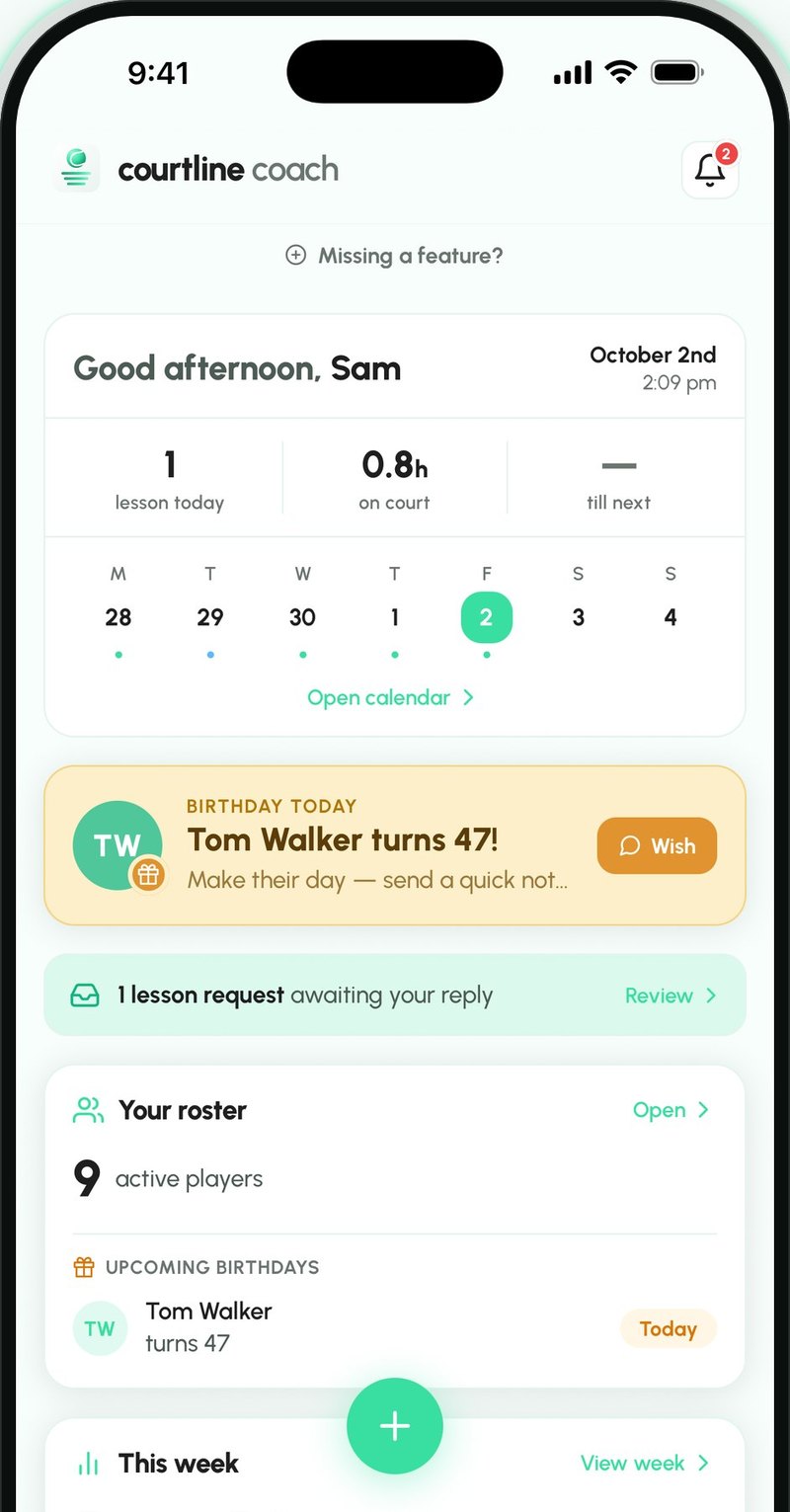
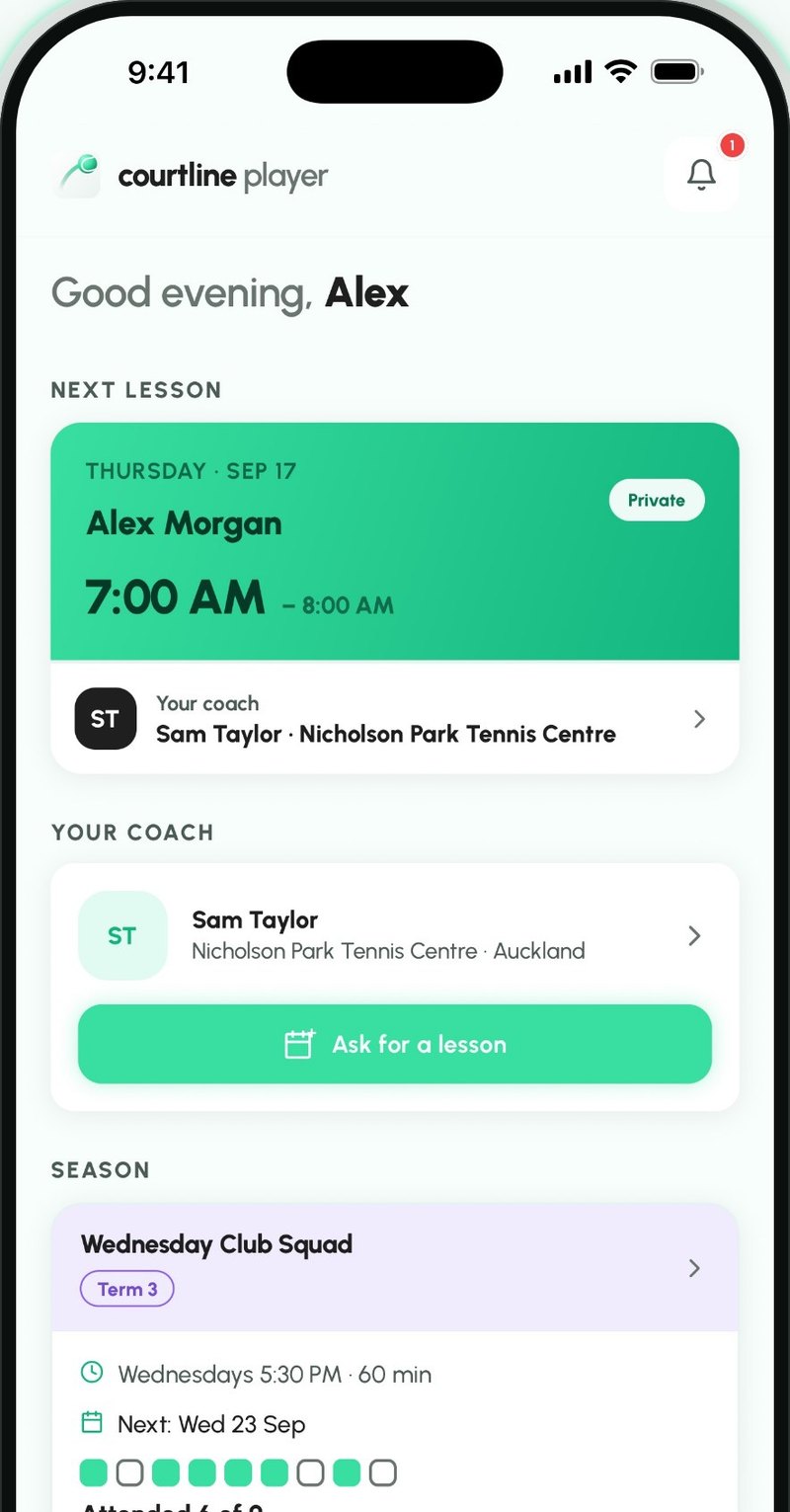
Scenario Courtline Coach
Jordan had a lesson on Saturday. Here's how the $60 gets to you.
No spreadsheet and no awkward chat. Courtline keeps track, Jordan pays you directly, and you tick it off.
Log the lesson
The price fills in from Jordan's rate. Once the lesson is over, it goes to Jordan's balance.
See who owes you
Balances lists everyone who owes you, with every lesson charge, pack and term fee.
- or
Send a reminder in the player app
Jordan gets a notification on their phone.
Courtline PlayerSend a reminder by email
An email with what's owed and your bank details. A parent on the record gets it too.
Email Jordan pays you
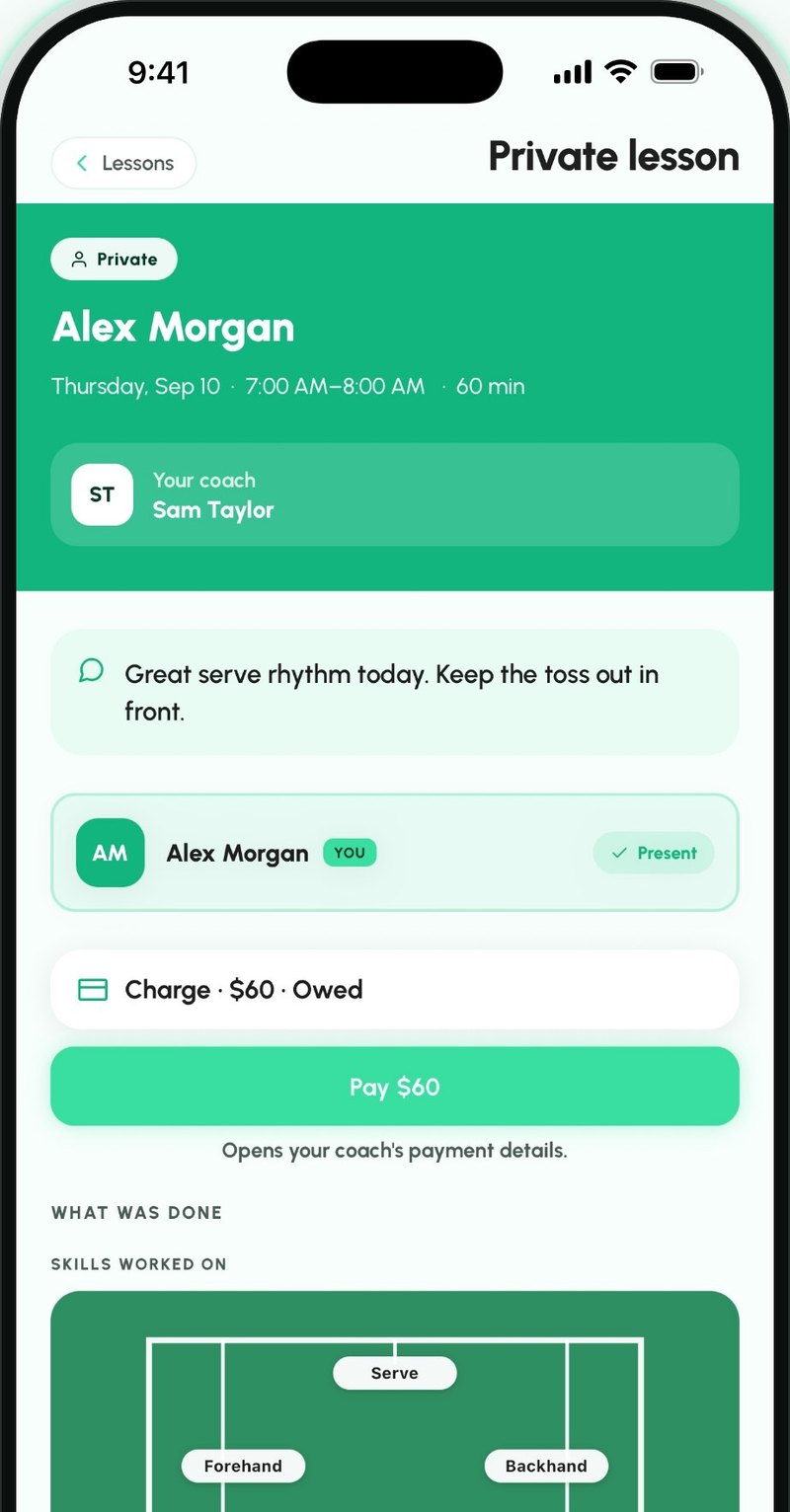
Jordan sees what they owe, copies your bank details and pays you from their own bank.
Courtline PlayerYou get paid
When the money arrives, tick it off in the app. It moves to History.
Scenario Courtline Coach
Term 4 starts in two weeks. Here's how your term lesson management gets easier.
Set the term up once. Parents find your classes in their app and ask for a spot, and Courtline makes every lesson.
Set up the term
Pick a start date and how many weeks. Add spare weeks for make-ups. Select non-working days.
Create your groups and add classes then hit publish
Each class gets its days, time, term price and players. Publish the term when it's ready.
Parents see your classes
Your published classes show on your profile in Courtline Player, with days and times.
Courtline PlayerParents ask for a spot for their child
They send a request for the class.
Courtline PlayerEnrol them
Add players from your roster or from parents' requests. Each enrolment puts the term fee on their balance.
The fee shows in player's app
It appears in Payments, marked Class, until you mark it paid.
Courtline PlayerGenerate entire term lessons in one tap
When your schedule is done, generate the whole term's lessons. You can make changes later on. No more repetitive work.
- or
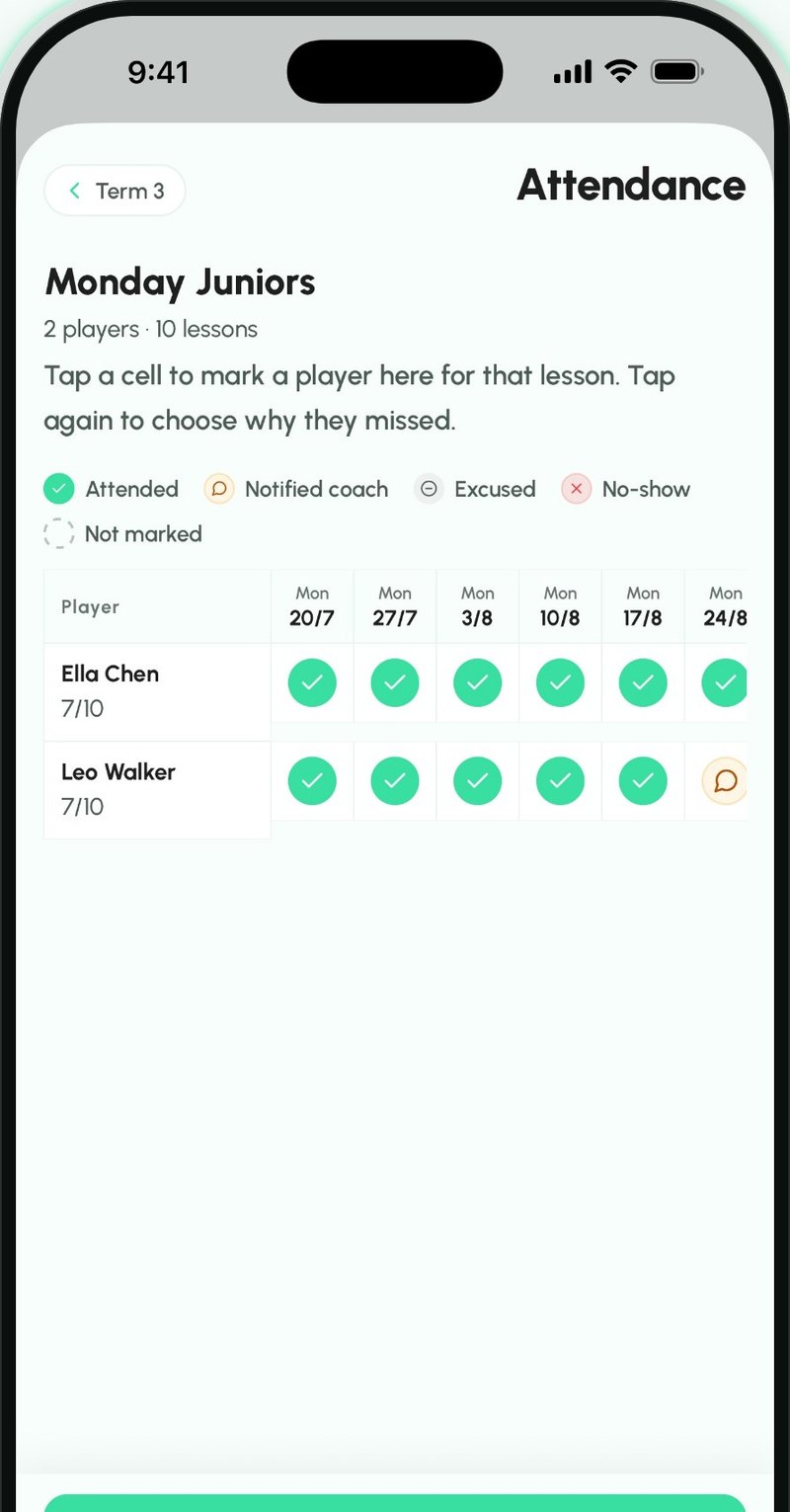
Take the register
Mark who came. The whole term's attendance sits in one table, and parents see how many lessons their child attended.
Rainy Day?
Cancel the lesson and book its replacement in the spare week.
Scenario Courtline Player
You're looking for a coach. Here's how you find one and ask for a lesson.
Browse coaches who have published a profile, see what they offer and where they're based.
Open Discover
Search coaches with published profiles or check your local clubs.
Narrow it down
Filter by what you want to work on, age group and region.
Check coach's profile
Their About, clubs, classes and what they offer.
- or
Request a lesson
Send a request with a short note. The coach decides.
Got a code?
Enter your coach's code and join them straight away.
You're connected
Your coach shows in My coaches, and you can ask them for lessons.
Scenario Courtline Player
You'd like a lesson next week. Here's how you book one.
Pick times that suit you. Nothing is booked until you and your coach agree on the time and price.
Ask for a lesson
Choose how long and up to three times. Times your coach has blocked are greyed out.
Your coach gets it
With the times you picked and your note.
Courtline Coach- or
Accepted
It's booked at that time and shows in Upcoming.
A change suggested
A different time, or a price for you to approve. Home shows a notice.
Approve the price
See the request and the change side by side. Nothing is booked until you tap Accept and book.
It's on Home
Your next lesson leads Home, with the coach, date and time.
Scenario Courtline Coach
Jordan doesn't have the app. Here's how Saturday's lesson with Jordan still works.
You keep Jordan in your roster. Jordan gets their invites and recaps by email and link, they don't need an account or app for it.
Add Jordan to roster
Add Jordan as an adult with their name and email. Jordan is on your roster straight away, they don't need to sign up.
Create the lesson as you normally would
The price fills in from Jordan's rate or your default. Once the lesson is over, it goes on Jordan's balance.
Send Jordan the invite
Before the lesson, share a link with the date and time. It opens in their browser and is removed once the lesson ends.
Email- Saturday's lesson happens
Send Jordan the recap
Share a link to what you covered. No player app needed.
EmailSend Jordan payment reminder by email
It lists what's owed and your bank details, if you've saved them. Jordan pays you from their own bank.
Email- or
Mark it paid
When the money arrives, tick it off. It moves to History.
Jordan joins later
Share Jordan's code from their profile. Jordan enters it in Courtline Player and sees their lessons.
Courtline Player
Scenario Courtline Coach
Your players don't need to have an app to get the information. Here's how Saturday's lesson still works.
You keep Mia in your roster. Mum gets Mia's invites and recaps by email and link, she doesn't need an account or app for it.
Add Mia and her mum to roster
Add Mia as a junior with her mum's name and email. Mia is on your roster straight away, nobody needs to sign up.
Create the lesson as you normally would
The price fills in from Mia's rate or your default.
Send Mum the invite
Before the lesson, share a link with the date and time. It opens in their browser and is removed once the lesson ends.
Email- Saturday's lesson happens
Send Mum the recap
Share a link to what you covered. No player app needed.
EmailSend Mum payment reminder by email
It lists what's owed and your bank details, if you've saved them.
Email- or
Mark it paid
When the money arrives, tick it off. It moves to History.
Mum joins later
Share Mia's code from her profile. Mum enters it in Courtline Player and sees Mia's lessons.
Courtline Player
Two apps
Courtline Coach
The record a tennis coach keeps.
- Who you coach
- When the lessons are
- Who turned up, what you worked on
- Who has paid
Courtline Player
For players and parents.
- Your lessons
- Your coach's announcements
- Your balance
- Parents: your child's too
Find a tennis club
tennis clubs across New Zealand
Every club with its address and a map, by region and city.
Tennis clubs in New ZealandBe one of the first coaches in your region
10 founding places in each region. The earlier your place, the more you get.
Place 1 is still open in every region
Coming soon
Tell me when the apps are out
Both apps are coming to the App Store and Google Play. Leave your email and we'll write once, when they're out.
Unsubscribe any time. Privacy Policy