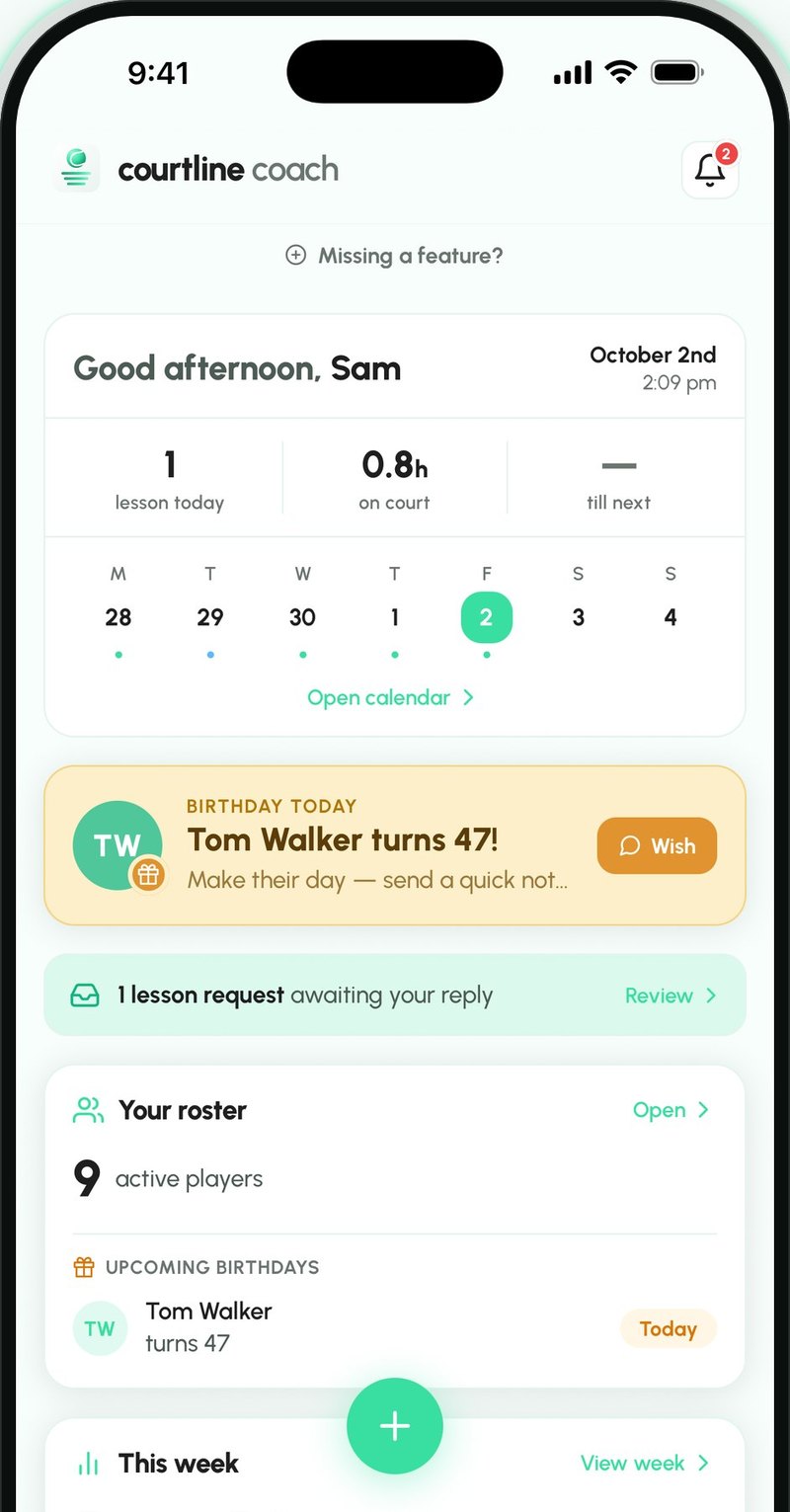
Coach more, chase less
All-in-one platform for your coaching.
Place 1 is still open in every region
Coming soon to the App Store and Google Play.
Be one of the first coaches in your region
10 founding places in each region. The earlier your place, the more you get.
Place 1 is still open in every region
Scenario
Jordan had a lesson on Saturday. Here's how the $60 gets to you.
No spreadsheet and no awkward chat. Courtline keeps track, Jordan pays you directly, and you tick it off.
Log the lesson
The price fills in from Jordan's rate. Once the lesson is over, it goes to Jordan's balance.
See who owes you
Balances lists everyone who owes you, with every lesson charge, pack and term fee.
- or
Send a reminder in the player app
Jordan gets a notification on their phone.
Courtline PlayerSend a reminder by email
An email with what's owed and your bank details. A parent on the record gets it too.
Email Jordan pays you
Jordan sees what they owe, copies your bank details and pays you from their own bank.
Courtline PlayerYou get paid
When the money arrives, tick it off in the app. It moves to History.
Scenario
Term 4 starts in two weeks. Here's how your term lesson management gets easier.
Set the term up once. Parents find your classes in their app and ask for a spot, and Courtline makes every lesson.
Set up the term
Pick a start date and how many weeks. Add spare weeks for make-ups. Select non-working days.
Create your groups and add classes then hit publish
Each class gets its days, time, term price and players. Publish the term when it's ready.
Parents see your classes
Your published classes show on your profile in Courtline Player, with days and times.
Courtline PlayerParents ask for a spot for their child
They send a request for the class.
Courtline PlayerEnrol them
Add players from your roster or from parents' requests. Each enrolment puts the term fee on their balance.
The fee shows in player's app
It appears in Payments, marked Class, until you mark it paid.
Courtline PlayerGenerate entire term lessons in one tap
When your schedule is done, generate the whole term's lessons. You can make changes later on. No more repetitive work.
- or
Take the register
Mark who came. The whole term's attendance sits in one table, and parents see how many lessons their child attended.
Rainy Day?
Cancel the lesson and book its replacement in the spare week.
Scenario
Jordan is looking for a new coach. Here's how they find you and ask to join.
Make your profile work for you. Let new players find you in Courtline Player app.
Create public profile
Switch on "Listed on Courtline" in your public profile page and your profile shows in Discover in Courtline Player.
Jordan finds you
Jordan finds your club on the map and sees your profile.
Courtline PlayerJordan asks to train with you
Jordan requests to be added to your roster.
Courtline PlayerSee who is asking
The request shows Jordan's name and note, and their no-show rate over the last year once they've had five marked lessons.
- or
Accept
Jordan joins your roster and can request lessons.
Decline
Jordan isn't added.
Scenario
Jordan's on your roster and wants a lesson next week. Here's how it goes from asking to booked.
Jordan picks times that suit them, you suggest another time if you are unavailable. The price is agreed before anything is booked.
Jordan requests a lesson
Jordan picks up to three times that suit. Jordan sees your rate in advance if you share it.
Courtline PlayerIt lands in your requests
You get a notification. The request shows the times, requested duration and note.
- or
Accept as requested
One tap books the lesson and you both are set.
Change the time and/or adjust the price
Suggest one different time, or a price if Jordan hasn't seen your rate yet.
Jordan confirms the changes
Jordan needs to confirm the changes or decline.
Courtline PlayerIt's in your schedule
The lesson is on your calendar. Once it's over, it goes on Jordan's balance.
Scenario
Jordan doesn't have the app. Here's how Saturday's lesson with Jordan still works.
You keep Jordan in your roster. Jordan gets their invites and recaps by email and link, they don't need an account or app for it.
Add Jordan to roster
Add Jordan as an adult with their name and email. Jordan is on your roster straight away, they don't need to sign up.
Create the lesson as you normally would
The price fills in from Jordan's rate or your default. Once the lesson is over, it goes on Jordan's balance.
Send Jordan the invite
Before the lesson, share a link with the date and time. It opens in their browser and is removed once the lesson ends.
Email- Saturday's lesson happens
Send Jordan the recap
Share a link to what you covered. No player app needed.
EmailSend Jordan payment reminder by email
It lists what's owed and your bank details, if you've saved them. Jordan pays you from their own bank.
Email- or
Mark it paid
When the money arrives, tick it off. It moves to History.
Jordan joins later
Share Jordan's code from their profile. Jordan enters it in Courtline Player and sees their lessons.
Courtline Player
Scenario
Your players don't need to have an app to get the information. Here's how Saturday's lesson still works.
You keep Mia in your roster. Mum gets Mia's invites and recaps by email and link, she doesn't need an account or app for it.
Add Mia and her mum to roster
Add Mia as a junior with her mum's name and email. Mia is on your roster straight away, nobody needs to sign up.
Create the lesson as you normally would
The price fills in from Mia's rate or your default.
Send Mum the invite
Before the lesson, share a link with the date and time. It opens in their browser and is removed once the lesson ends.
Email- Saturday's lesson happens
Send Mum the recap
Share a link to what you covered. No player app needed.
EmailSend Mum payment reminder by email
It lists what's owed and your bank details, if you've saved them.
Email- or
Mark it paid
When the money arrives, tick it off. It moves to History.
Mum joins later
Share Mia's code from her profile. Mum enters it in Courtline Player and sees Mia's lessons.
Courtline Player
| Plans | FreeGet started$0/monthFree to start | BaseUnlimited coaching$3.99/monthWelcome price · normal price $9.99Save $6 a month | ProRun the business$9.99/monthWelcome price · normal price $23.99Save $14 a month | EdgeAcademy-ready$19.99/monthWelcome price · normal price $49.99Save $30 a month |
|---|---|---|---|---|
| Players | Up to 20 | Unlimited | Unlimited | Unlimited |
| Groups | Up to 4 | Unlimited | Unlimited | Unlimited |
| Clubs | 1 club | 2 clubs | 2 clubs | 3 clubs |
| Lessons | Unlimited | Unlimited | Unlimited | Unlimited |
| Lesson invites & recaps | ||||
| Full Library | ||||
| Balances tools | — | |||
| Bank accounts | — | 1 | 3 | Up to 10 |
| Packs & Offers | — | — | ||
| Lesson requests | — | — | ||
| Availability & open slots | — | — | ||
| Public profile | — | — | ||
| Seasons & programmes | — | — | — | |
| Announcements | — | — | — |
- PlayersUp to 20
- GroupsUp to 4
- Clubs1 club
- LessonsUnlimited
- Lesson invites & recaps
- Full Library
- Balances tools—
- Bank accounts—
- Packs & Offers—
- Lesson requests—
- Availability & open slots—
- Public profile—
- Seasons & programmes—
- Announcements—
- PlayersUnlimited
- GroupsUnlimited
- Clubs2 clubs
- LessonsUnlimited
- Lesson invites & recaps
- Full Library
- Balances tools
- Bank accounts1
- Packs & Offers—
- Lesson requests—
- Availability & open slots—
- Public profile—
- Seasons & programmes—
- Announcements—
- PlayersUnlimited
- GroupsUnlimited
- Clubs2 clubs
- LessonsUnlimited
- Lesson invites & recaps
- Full Library
- Balances tools
- Bank accounts3
- Packs & Offers
- Lesson requests
- Availability & open slots
- Public profile
- Seasons & programmes—
- Announcements—
- PlayersUnlimited
- GroupsUnlimited
- Clubs3 clubs
- LessonsUnlimited
- Lesson invites & recaps
- Full Library
- Balances tools
- Bank accountsUp to 10
- Packs & Offers
- Lesson requests
- Availability & open slots
- Public profile
- Seasons & programmes
- Announcements
Every place comes with your welcome price locked for a year after your free period ends, which saves $72 to $360 a year depending on your plan.
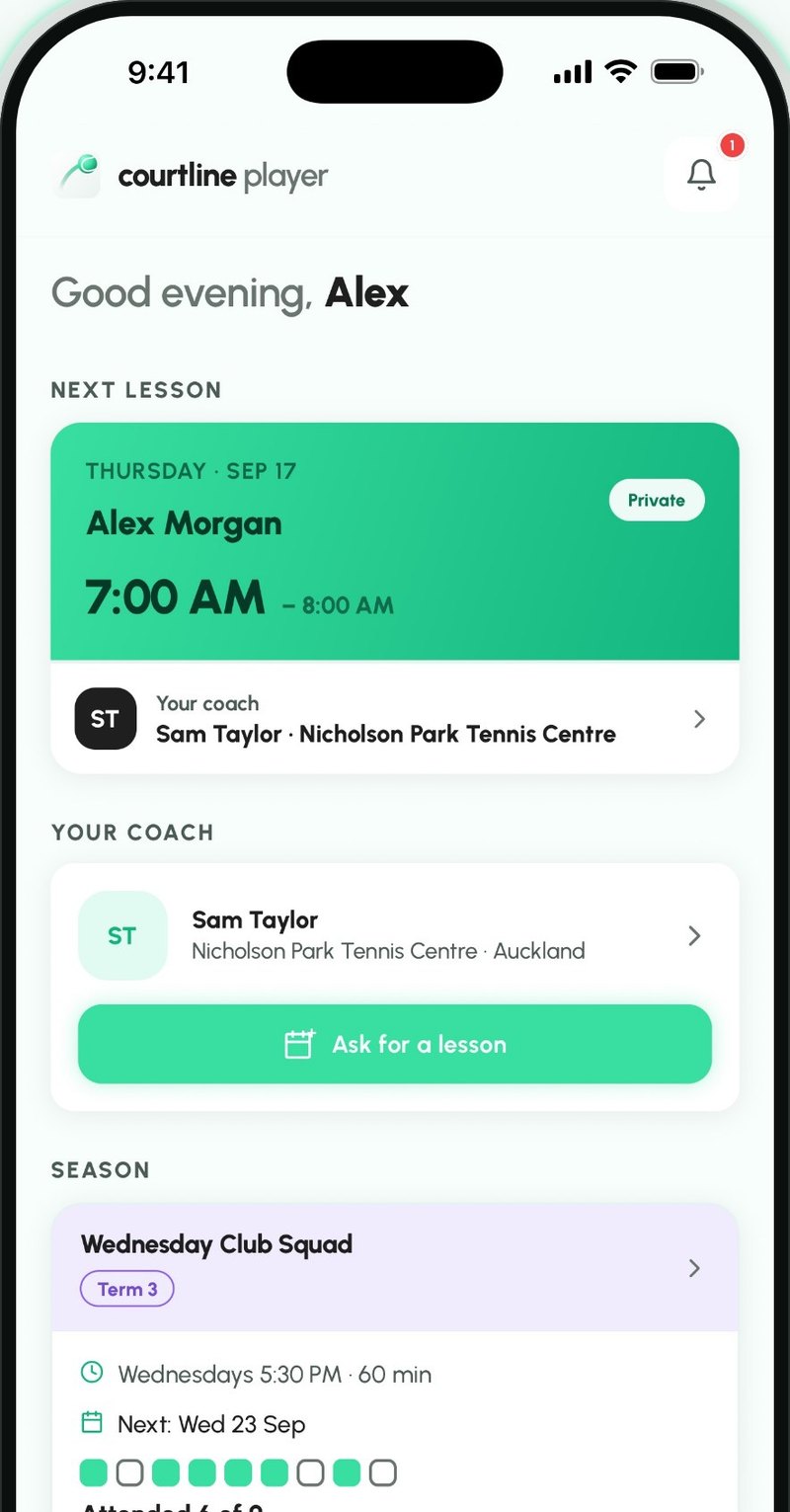
Players and parents, when they're ready.
Share your code and a player or parent can see their lessons, your announcements and their balance in the companion Courtline Player app. Nothing you log depends on them joining.